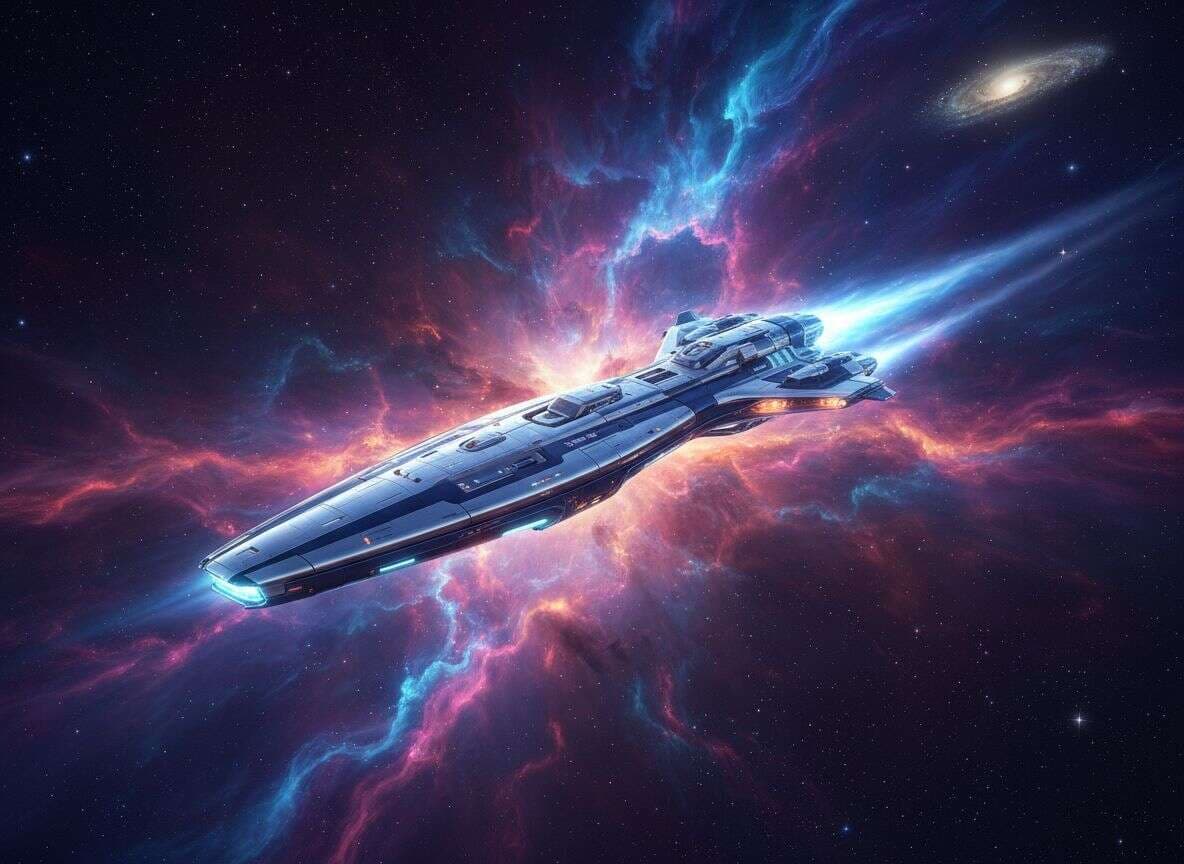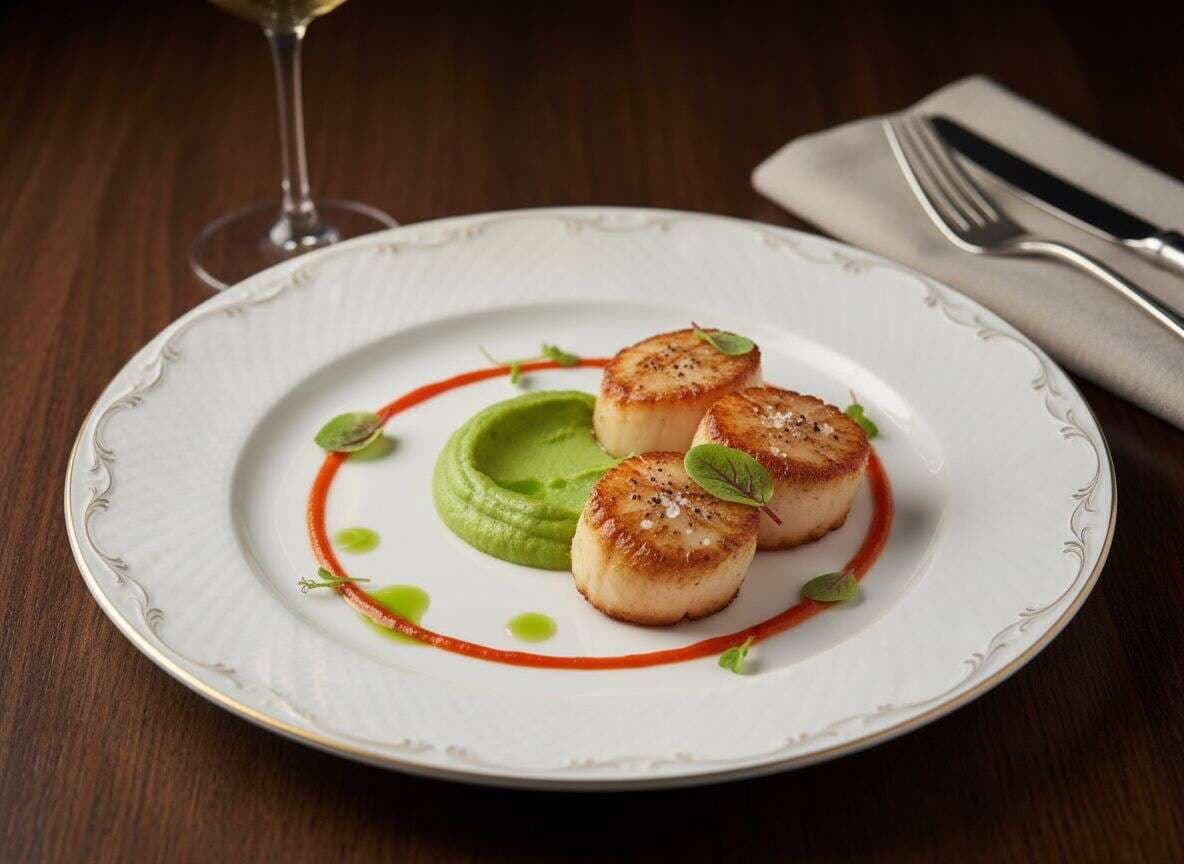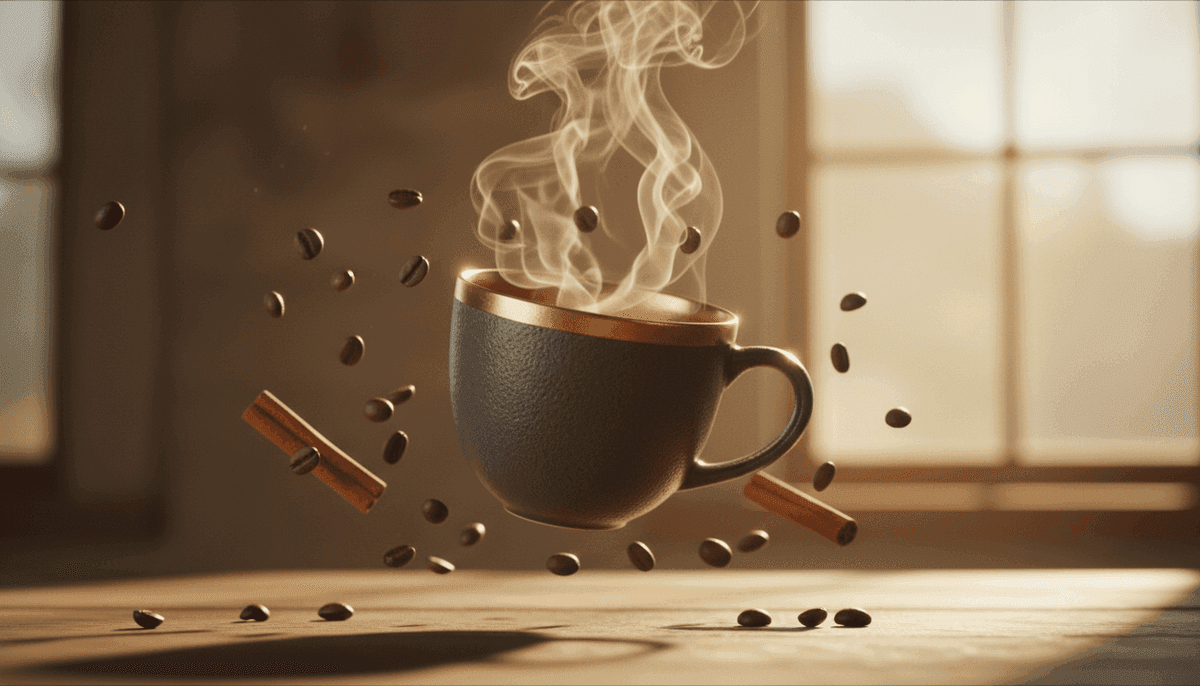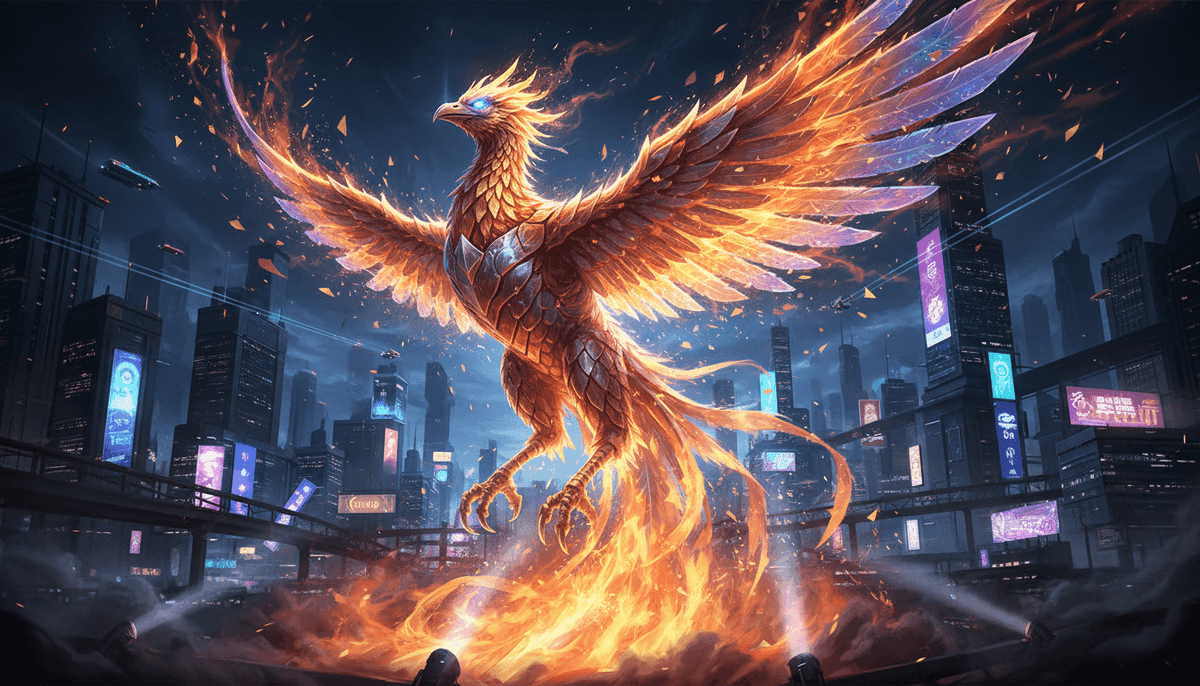
AIエディターを試す
Experience the power of Banana Studio's natural language image editing. Transform any photo with simple text commands
Image & video, under one roof.
Every frontier model — for stills and for motion — shares the same canvas, the same credits, and the same API. No per-vendor sign-ups.
New OpenAI image model for prompt-first generation, text rendering, and reference edits.
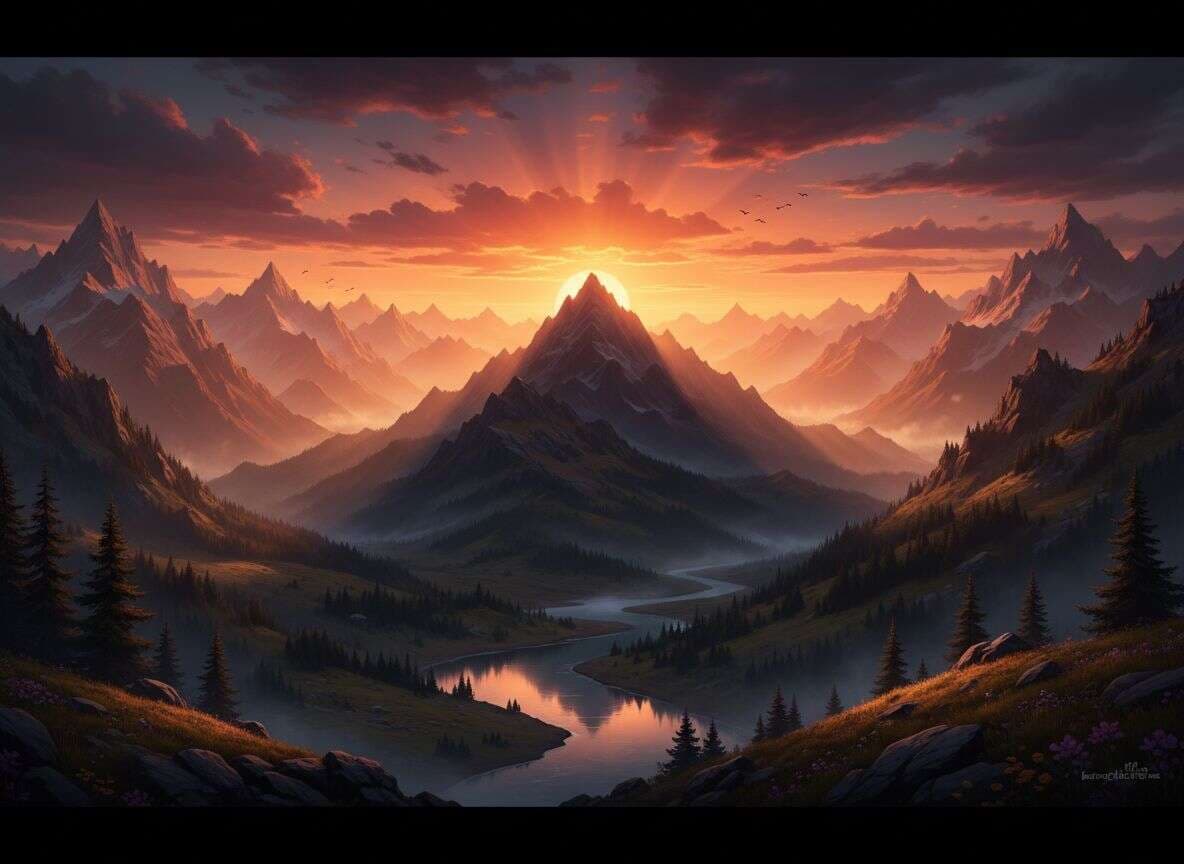
campaign poster · clean typography, shot on 35mm, natural light, shallow depth of field…
Banana Studio model entry routed to GPT Image 2 for strong prompt generation and reference edits.
State-of-the-art image generation & editing with text-perfect output.
Fast, precise edits in a single natural-language prompt.
Photoreal generation with wide aesthetic range and prompt control.
Cinematic 1080p video generation with native audio.
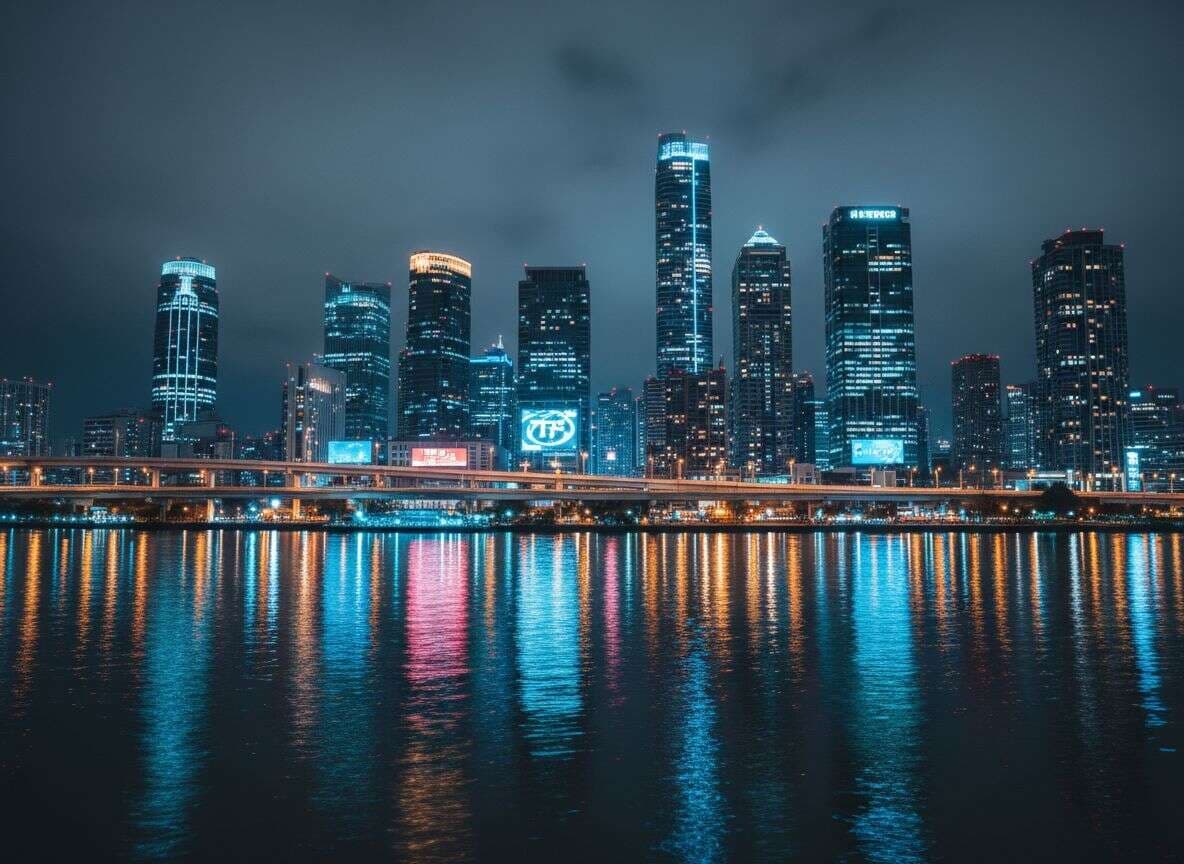
neon street · rain, shot on 35mm, natural light, shallow depth of field…
Motion-rich generation with tight prompt control and fast turnaround.
New models ship the week they're released.
Recommended now: GPT Image 2. Recently added: Nano Banana Pro, Seedance 2.0, VEO 3.1.
Why Choose Banana Studio?
LMArenaで第1位。Google DeepMindのGemini技術による比類なき編集精度とキャラクターの一貫性を実現。

会話を通じて画像を編集します。複雑な指示も瞬時に理解され、簡単なプロンプトで照明、スタイル、シーンを変更できます。

編集を通じて最大5キャラクターを維持。完璧なアイデンティティを保持しながら最大14画像をブレンド — もはやキャラクターブレイクダウンはありません。

照明、天候、表情、衣服に対するスタジオグレードのコントロール。Photoshopのレイヤーのように、すべての詳細を微調整します。

画像内に鮮明で正確なテキストを生成します。ポスター、インフォグラフィック、マーケティング資料に最適です。

最大14枚の画像から要素をシームレスに組み合わせます。Gemini 3の高度な推論能力によって実現されています。

2K/4Kの高解像度出力をサポート。印刷、商業利用、大型ディスプレイ向けのプロフェッショナル品質。
クリエイターたちの声
ワークフローを変革した満足したクリエイターの数千人に参加しましょう

“Banana Studio cut our product photo editing time by 80%. We used to spend hours on each product shot—now it takes seconds. The AI understands exactly what we need.”
製品写真
“12人のクライアントのコンテンツ管理が非常に簡単になりました。キャラクターの一貫性機能は、ブランドコンテンツシリーズを作成するためのゲームチェンジャーです。”
ソーシャルメディアコンテンツ
“As a concept artist, I use Banana Studio daily for rapid prototyping. The natural language editing feels like having a conversation with an assistant who actually gets art.”
コンセプトアート
“私たちは広告クリエイティブプロセスを完全に変革しました。デザインチームが1週間かかっていたことが、今では1日で行われます。ROIは驚異的です。”
マーケティングキャンペーン
“AI編集されたビジュアルを使い始めてから、エンゲージメント率が倍増しました。品質はプロの写真撮影と見分けがつきません。”
インフルエンサーコンテンツ
“Proバージョンのテキストレンダリングは素晴らしいです。私たちはソーシャルメディアグラフィックス、ポスター、インフォグラフィックスをすべて1つのツールで作成しています。それは私たちのエージェンシーの秘密兵器となりました。”
グラフィックデザインFrequently Asked Questions
About Banana Studio
Banana Studio is an independent AI creation workspace operated by DanDan AI Limited. It lets you edit images, generate new visuals, and create short videos with prompts, reference media, and credit-based usage from one interface.
Banana Studio is the product and user experience. We route requests through selected third-party AI models and providers behind the scenes, while Banana Studio handles the workspace, uploads, credits, task tracking, and result delivery.
Banana Studio focuses on controlled production work instead of one-off demos. You can manage prompts, reference images, model selection, credits, and reusable assets in one place, which makes it better suited for repeated creative work and team workflows.
Getting Started
Create an account, choose image or video generation, upload any reference media you want to use, and enter your prompt. Banana Studio will show the model, estimated credit cost, and task status before and after generation.
Banana Studio uses credits for generation. New users can try limited features with starter credits and rewards, while higher usage, premium models, and larger output options require a paid plan or additional credit purchases.
Banana Studio supports common image formats such as JPG, PNG, WEBP, etc. For best editing results, we recommend uploading high-resolution original images.
Yes. Banana Studio works in modern mobile browsers so you can upload assets, edit prompts, and review results from your phone.
Features & Tips
A good prompt is key to getting your ideal image. Follow this structure: Subject (clearly describe what you want to draw, e.g., an orange cat wearing a spacesuit), Scene (describe the background environment, e.g., walking on Mars surface), Style (define the artistic style, e.g., Pixar animation style, cinematic, watercolor), Composition & Lighting (specify angle and lighting effects, e.g., low angle shot, soft light at dusk). For editing, instructions should be direct, such as 'change the sky to a starry night.'
This is Banana Studio's strength. Try these methods: Use reference images (upload clear front and side photos of the character), Lock features (emphasize in your prompt 'keep the character's facial features, hairstyle, and clothing exactly the same as the reference'), Edit incrementally (avoid overly complex modifications at once, make adjustments step by step).
Banana Studio generates images typically at 1024x1024 pixels, sufficient for most web applications. Banana Studio Pro and Banana Studio 2 support higher resolutions up to 2K or even 4K, suitable for printing or professional design scenarios.
Commercial Use & API
Commercial use is generally allowed for content generated on Banana Studio, subject to your compliance with our Terms of Service, Acceptable Use Policy, and any rights you need for your inputs, prompts, and final assets.
Yes. Banana Studio provides API access for programmatic generation and status checks. You can manage API keys in your account and use the documented endpoints with the same credit-based billing model as the web app.
Troubleshooting
Possible reasons include: Poor original image quality (if your original image is low resolution or blurry, the edited result will be affected), Extreme prompts (requesting overly complex or drastic changes at once may cause detail loss), Export settings (make sure you select the highest quality option when saving). Solution: Use high-resolution original images and break complex edits into multiple simple steps.
This may be because: Vague prompts (AI struggles with subjective instructions like 'make it look better'—use more specific descriptions), Contradictory instructions (e.g., 'darken the background but keep it bright' will confuse the AI), Spelling or grammar errors (check your prompts carefully). Solution: Keep prompts simple and precise, focus on one modification at a time. Use masking features to limit the editing area.
AI image generation requires significant computing resources. It's normal for it to take 10 to 30 seconds. During peak network times, processing may take longer—please be patient.
If generation fails, most platforms will automatically refund your consumed credits or allow you to regenerate. Check your network connection, or try modifying your prompt and submitting again.