AI Image Enhancer for Instant Photo Quality
Get clearer photos without opening a desktop suite. ImgEditor’s AI image enhancer helps you sharpen soft shots, recover usable detail, and—when the model you pick supports it—render at higher resolution.
Free credits to start · No credit card required · Enhance first, upscale when supported
Before-and-after examples are not available yet.
How the AI Image Enhancer Works
- 01
Open the workspace and upload a JPG, PNG, or WEBP.
- 02
Choose an image model available in your account.
- 03
Prompt for enhance, sharpen, or clearer detail while keeping the same subject.
- 04
Review the credit estimate, run the task, and download the result.
Upscale to HD / 4K (Model-Dependent)
Some models support outputs up to 4K. Maximum size depends on the model you select—not every run is 4K, and we do not promise lossless 8K. Treat upscale as a supporting option; this page leads with enhancement.
Fix Blurry, Dark, or Low-Res Photos
Use it for soft product shots, older camera rolls, or screenshots you want to reuse in listings and social posts. Iterate with a second prompt if edges still need a pass.
AI Image Upscaler vs Classic Sharpen
Classic sharpen only boosts edges. An AI enhancer can rebuild plausible detail while you keep composition, then optionally ask for a larger render when your model allows.
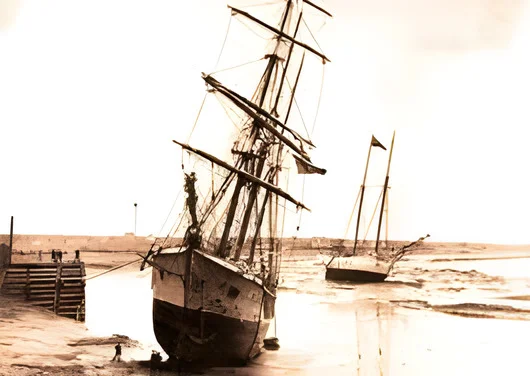
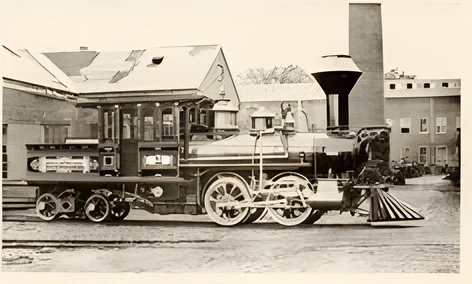
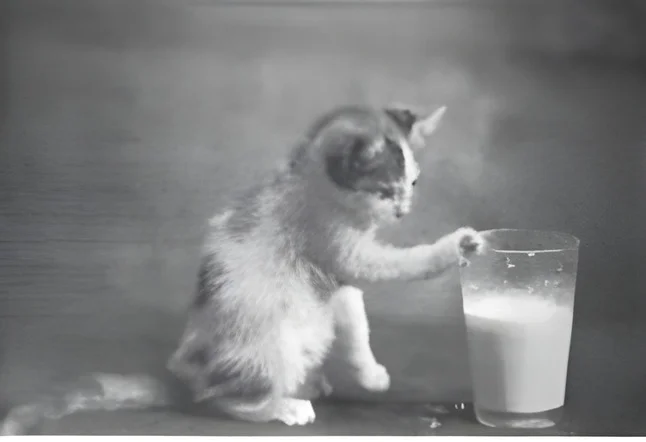
Examples Before & After
 Before
 After
After Before
 After
After Before
 After
After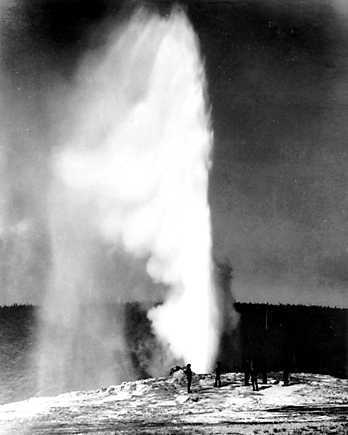 Before
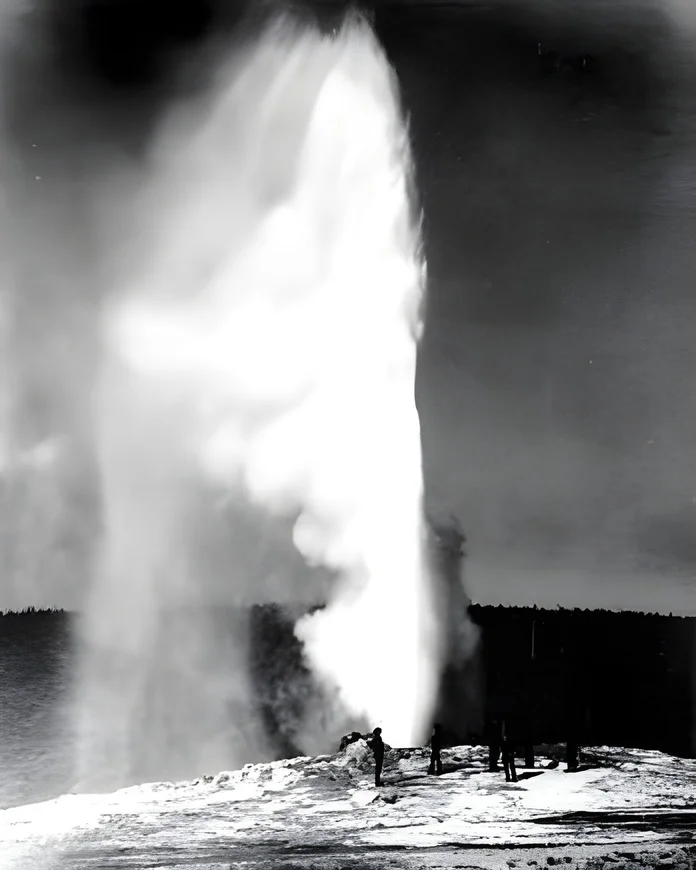 After
After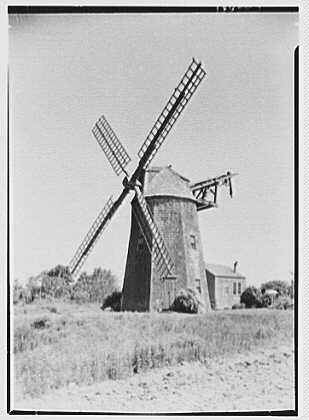 Before
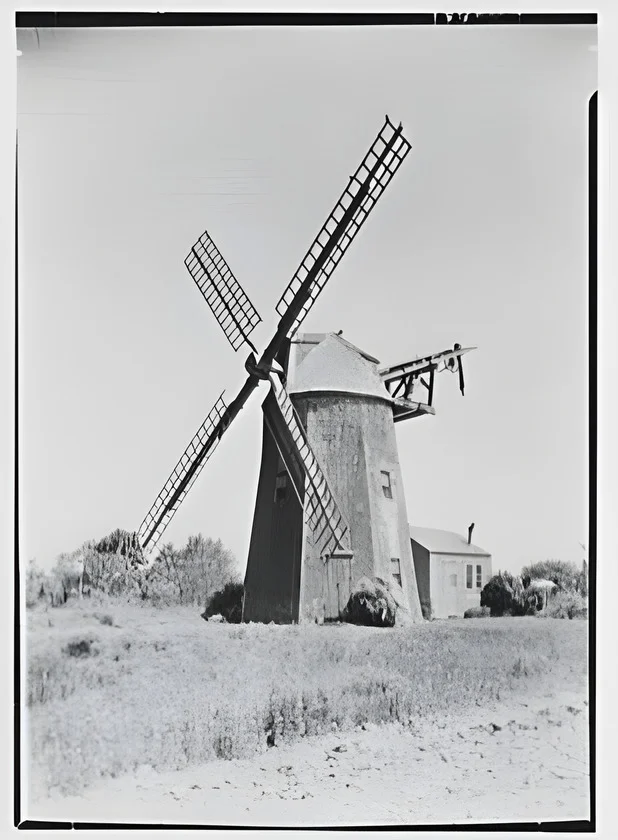 After
After Before
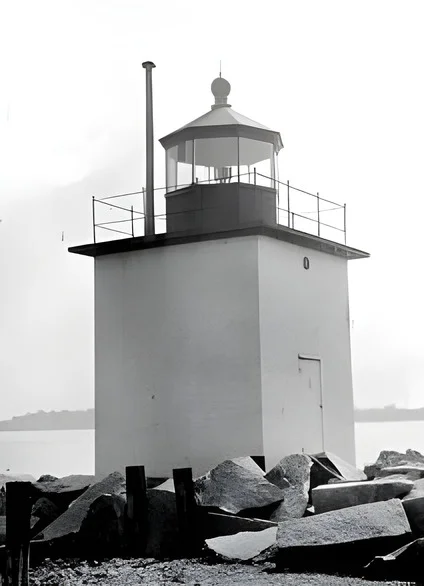 After
After Before
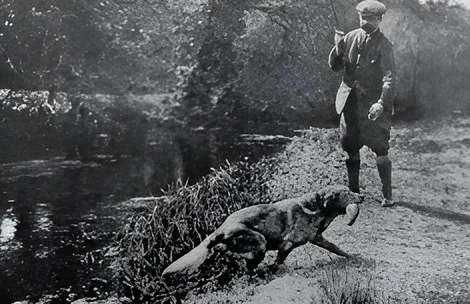 After
After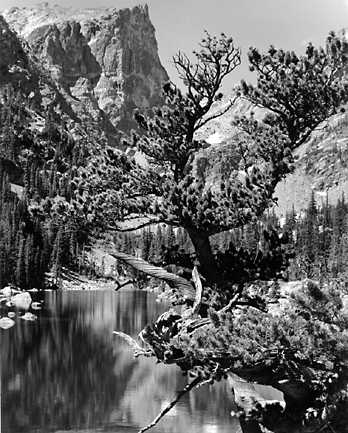 Before
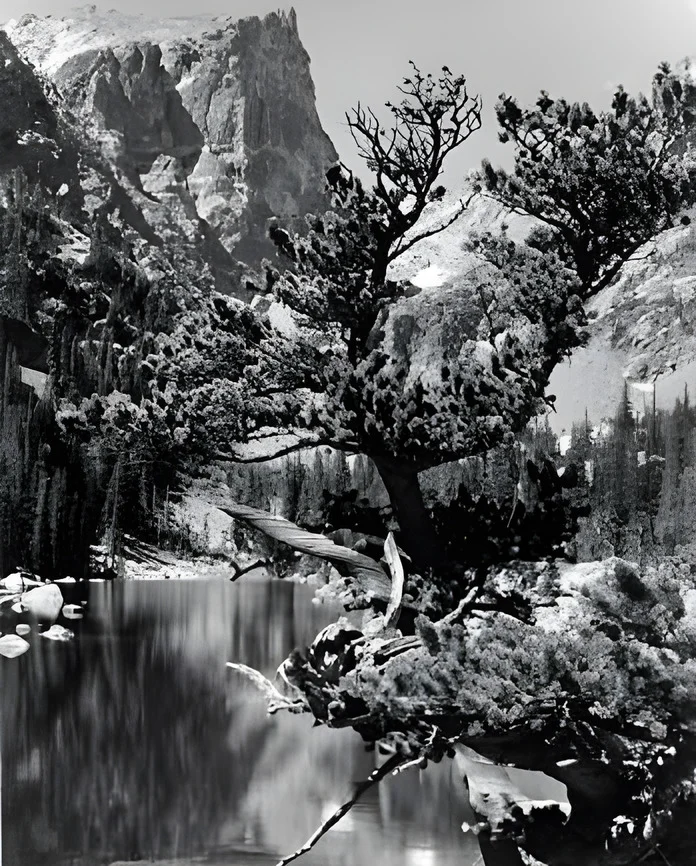 After
After
Pricing & Credits
Enhancements use credits. Start with free credits; higher volume and premium models are on Pricing. Inner pages do not list dollar amounts that may change.
FAQ
You can start with free credits. Ongoing runs consume credits based on the model and settings.
No. Some models support up to 4K; check the estimate in the workspace for the model you selected.
Yes. Improve the still here, then continue on AI image to video.
No. ImgEditor runs in modern browsers.