Generate Image from Text with AI
Describe what you want in plain language and generate image from text inside ImgEditor—no design file required to start.
Text to image · Free credits to start · No credit card required
How Text-to-Image Generation Works
- 01
Open the workspace (/generator).
- 02
Enter a text prompt (subject, scene, style, lighting).
- 03
Choose an image model available in your account.
- 04
Review the credit estimate, generate, and download.
Write Better Prompts for Clearer Images
Lead with the subject, then add scene, style, and constraints. Short, concrete instructions beat vague adjectives. Iterate with a follow-up prompt instead of one overloaded sentence.
Text to Image vs Editing an Existing Photo
Use this page when you need a new image from words. If you already have a photo to clean, enhance, or cut out, go to the workspace, AI image enhancer, or AI background remover.
Styles, Ratios & Example Outputs
Pick whatever models and output options your account shows in the workspace. We only promise what you can select on-screen—no fictional style packs or unlisted models on this page.
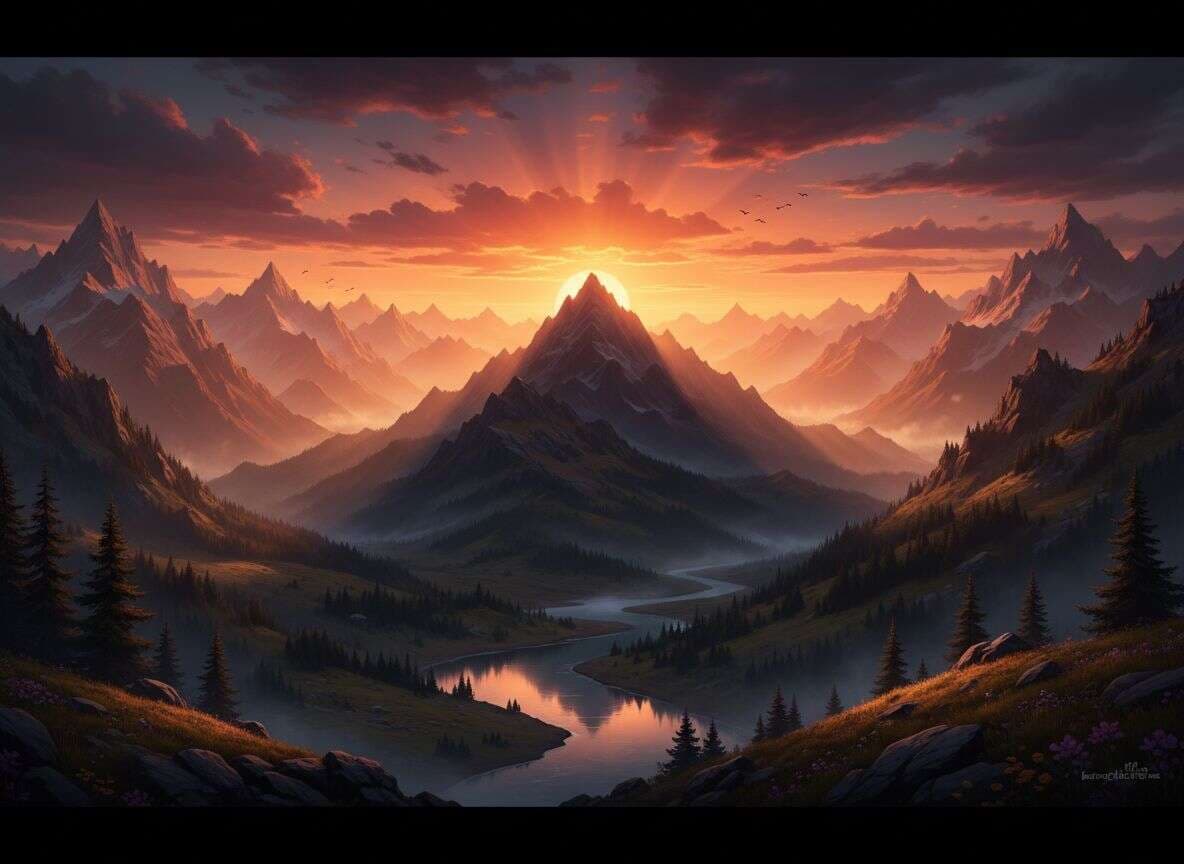
PromptA stunning mountain landscape at sunset with golden light 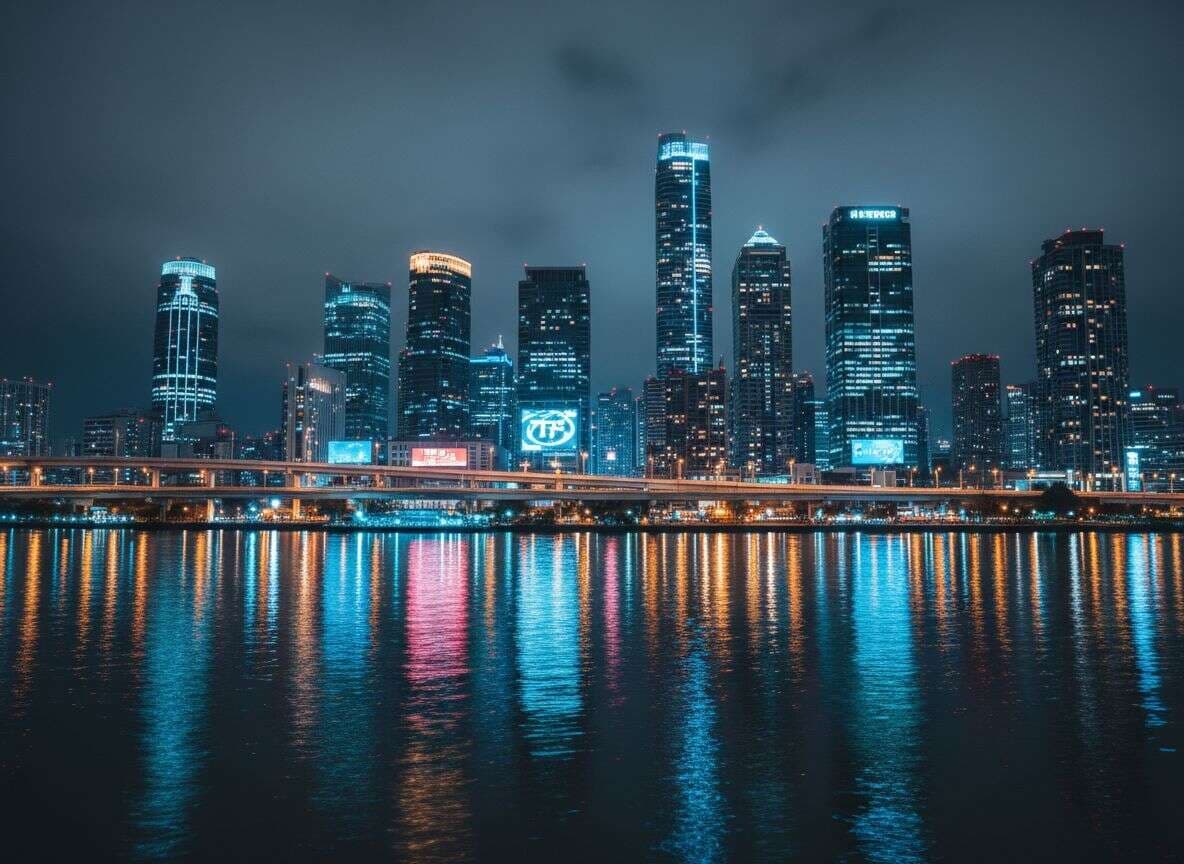
PromptModern city skyline at night with neon lights reflection 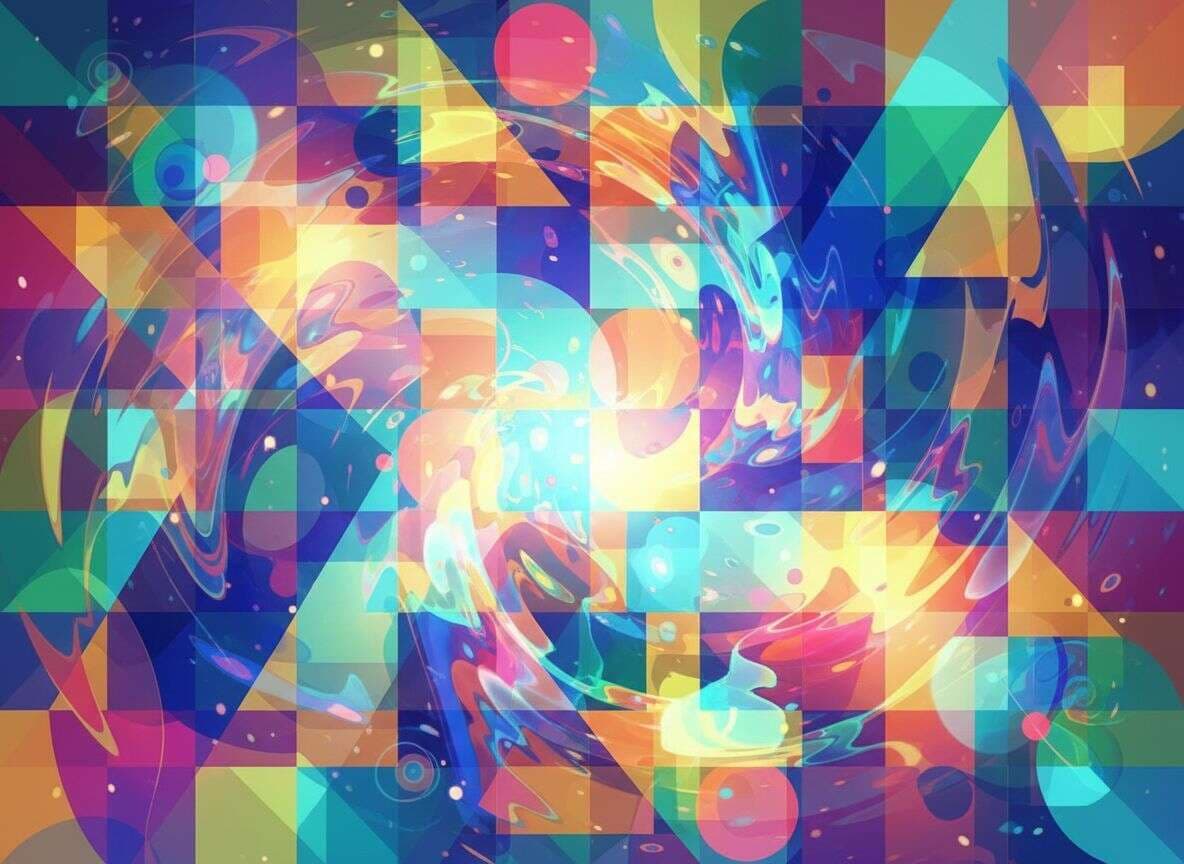
PromptAbstract colorful digital art with geometric patterns 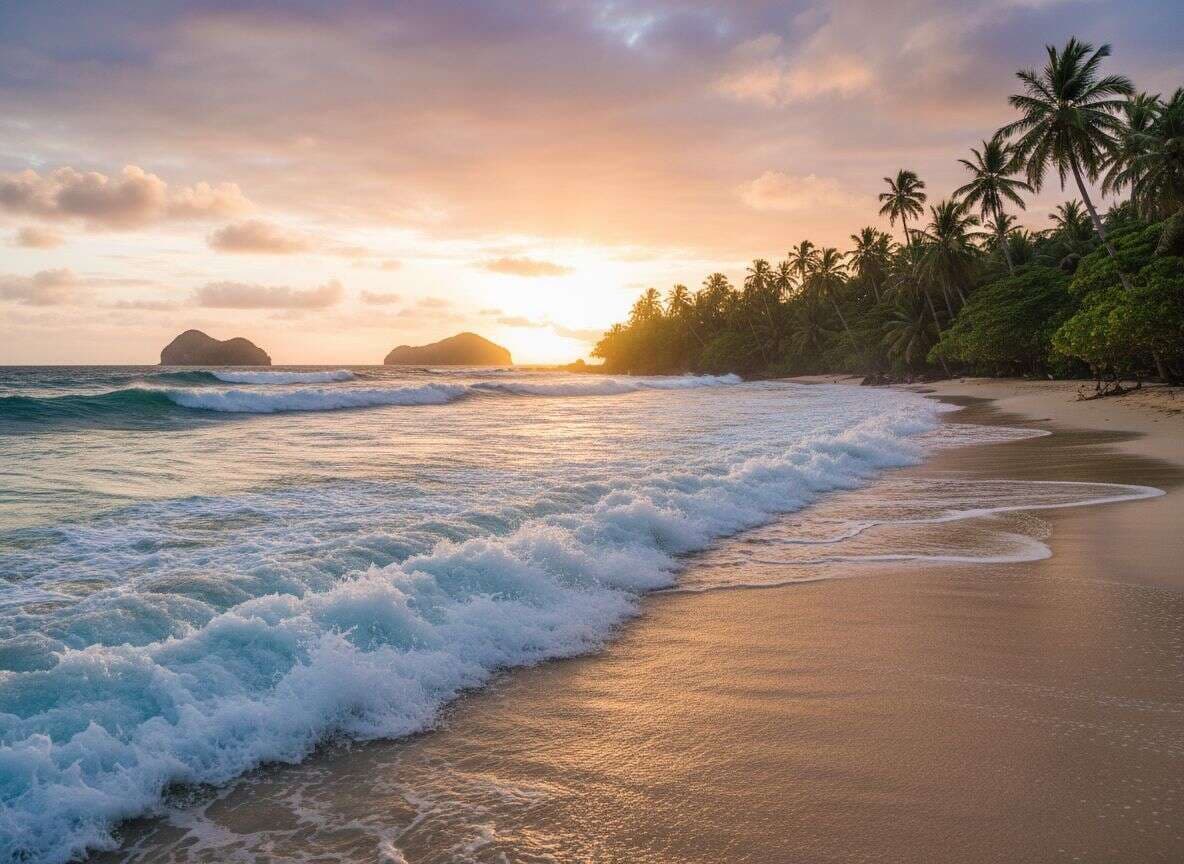
PromptBeautiful ocean waves crashing on a tropical beach 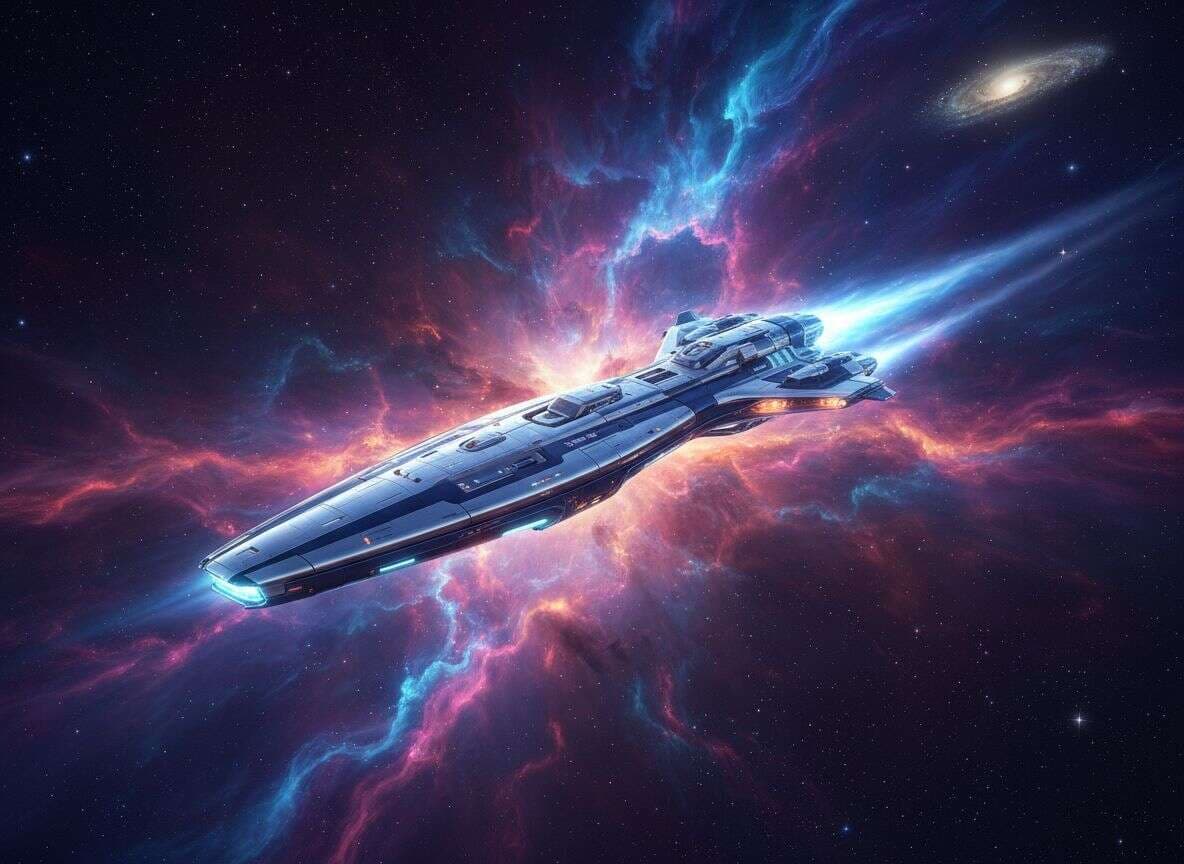
PromptFuturistic spaceship flying through a colorful nebula 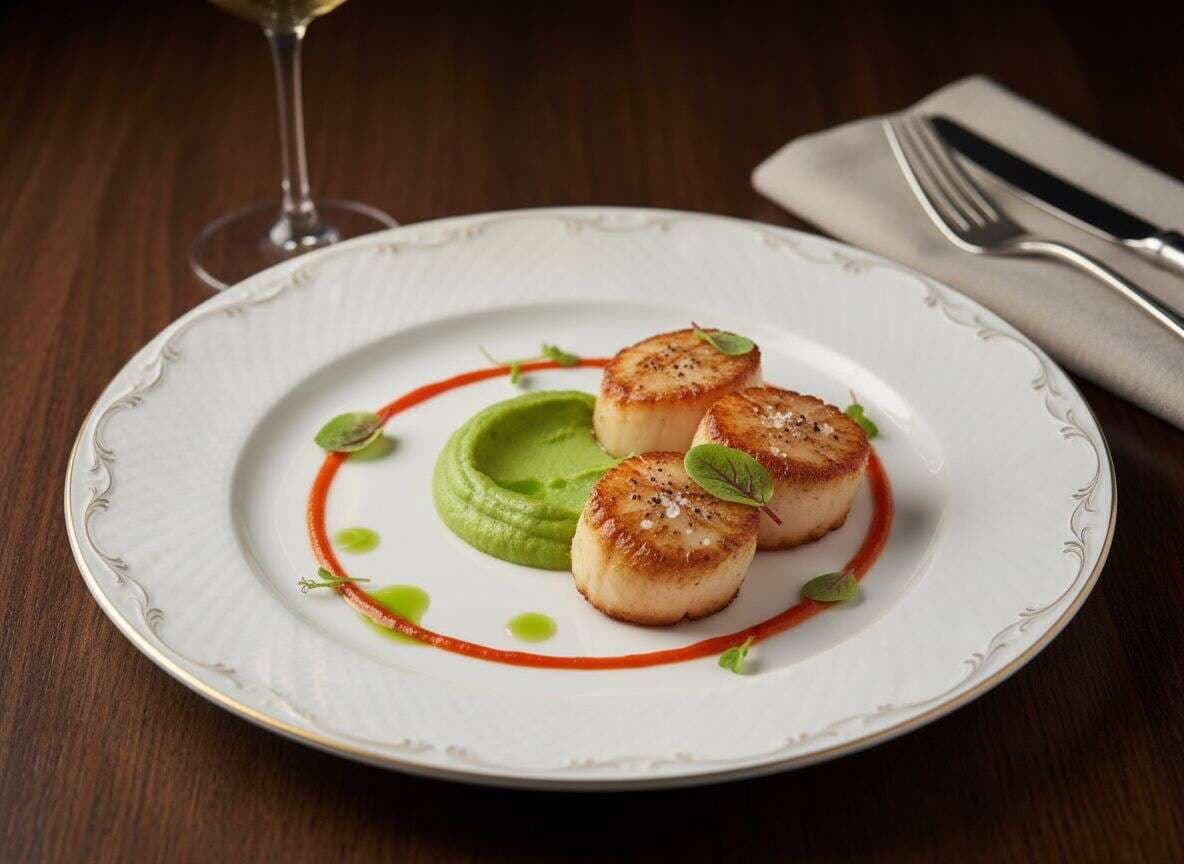
PromptDelicious gourmet food photography on elegant plate
From Prompt to Download — Free to Try
Start with free credits. When you need more volume or premium models, continue on Pricing. Image-to-image may be available in the same workspace as a secondary path; this ranking page focuses on text → image.
Pricing & Credits
Text-to-image runs use credits. Start free; plan details live on Pricing—dollar amounts are not hard-coded here.
FAQ
Yes to start—with free credits. Ongoing generations consume credits.
No. Text-to-image creates a new picture from a prompt. Editing starts from an upload.
Yes—describe the look you want in the prompt. We do not run a separate “picture generator” brand page.
Yes—send the still to AI image to video when you are ready.
Models appear in the workspace. This page does not freeze a marketing list that can drift from product.